How it works
Up and running in three steps.
No developers, no complicated setup. Most sites take a few minutes.
Step 1
A minute or two
Enter your website
We read your public pages: services, prices, hours and service area. Then you confirm your business type with one tap.
Step 2
Free, no signup
See it answer
Ask it what your customers ask. Choose what it should do, like answer questions or take messages for a callback.
Step 3
A few minutes
Add it to your site
Paste one line of code, or use the WordPress plugin or the Shopify app. Our install guides show exactly where it goes.
<script async src="https://botdesk.studio/widget.js"
        data-api-key="your_api_key"></script>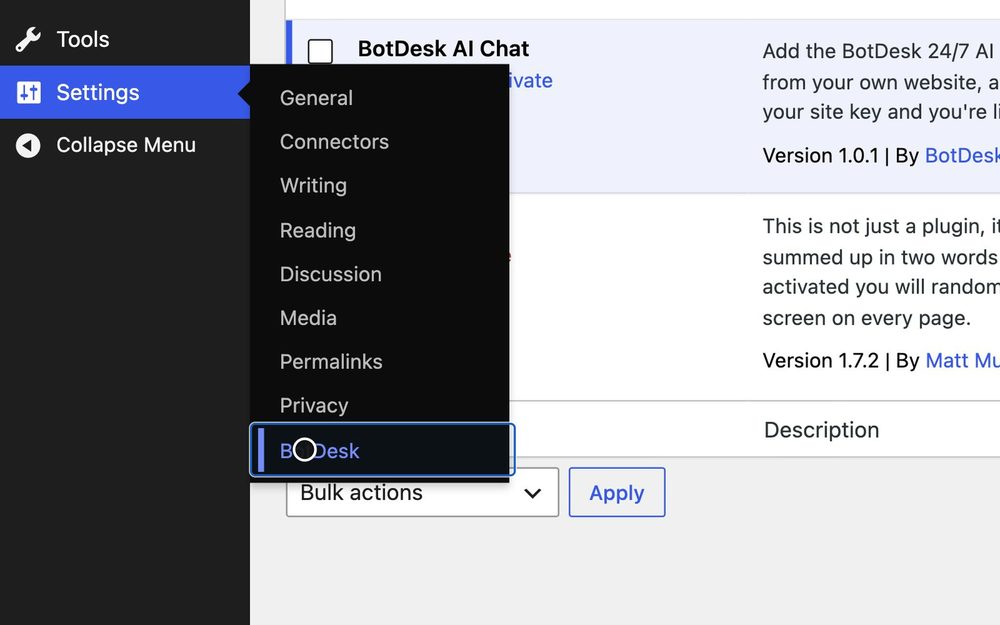
Setup takes a few minutes. Stuck? Get free setup help by email.
After hours
It's 10 PM and someone on your site has a question
Your office is closed, so nobody answers. They close the tab, and in the morning they might call someone else.
With BotDesk, the assistant answers from your own website and offers a callback. They leave their name and number, and a few seconds later you get an email like this one. It's saved in your dashboard too.
The Free plan sends up to 10 lead emails a month. Starter and up send them all.
The layout of a lead email, filled in with the sample chat above.
Then what
Where the lead lands
The visitor leaves their name and number, you get an email, and the lead waits in your dashboard.
